
Begin With the Source You Already Have
Select a saved audio or video file, record from the browser, or provide a supported media address. Each input enters the same audio to text workflow.
Move from a recording to editable words without leaving the browser. Audio Convert accepts uploaded media, a live recording, or a media URL, then gives you an AI transcription to review for notes, documents, or captions.
Audio to text
Audio intake
Audio Convert is a browser-based speech to text workspace for the full transcription task, not only the first draft. Bring in the source, set the language and speaker options, inspect the returned text, correct important wording, and choose an export that fits what happens next.
Select a saved audio or video file, record from the browser, or provide a supported media address. Each input enters the same audio to text workflow.
Search the result, correct names and specialized terms, check speaker changes, and keep timing when it matters for verification or captions.
Export readable text for notes, subtitle files for video, a document for editing, or structured data when another tool needs transcript segments.
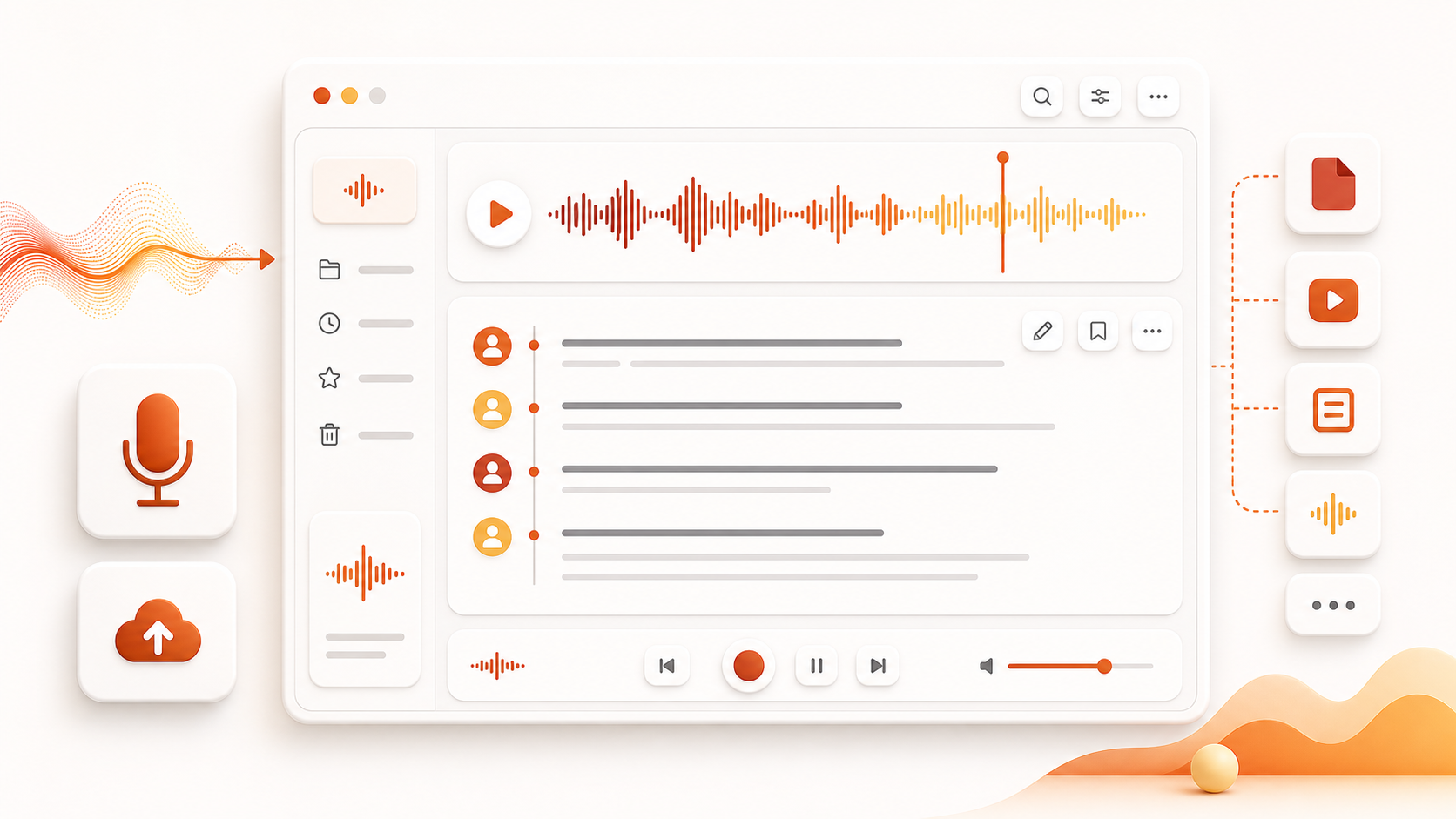
The workspace keeps input, transcription, human review, and delivery connected. That makes it easier to match the transcript to a real task instead of treating raw recognition as the finished product.
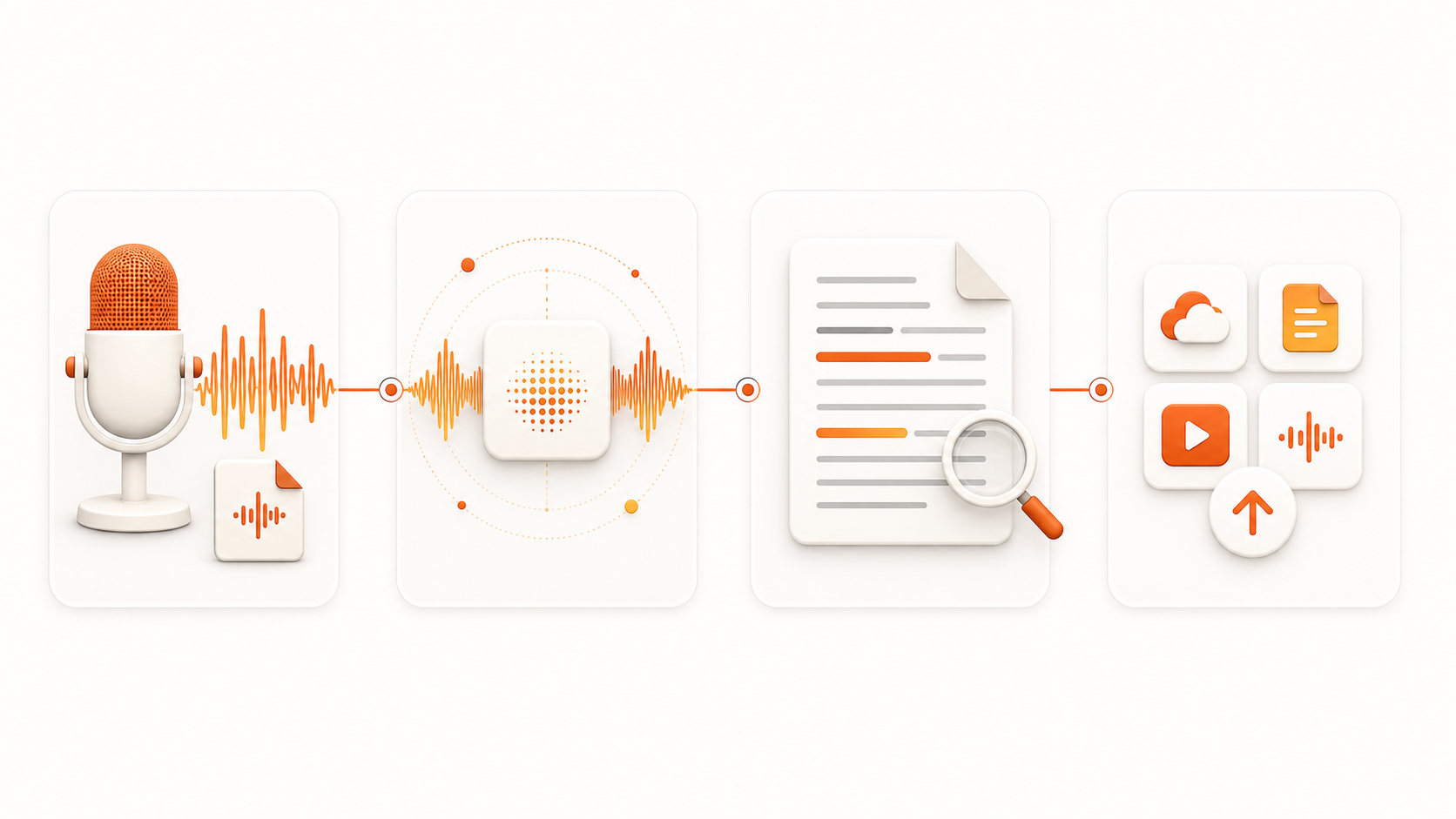
OpenAI Whisper produces the working transcript. You remain responsible for checking names, figures, quiet passages, overlapping voices, and any wording used in a sensitive context.
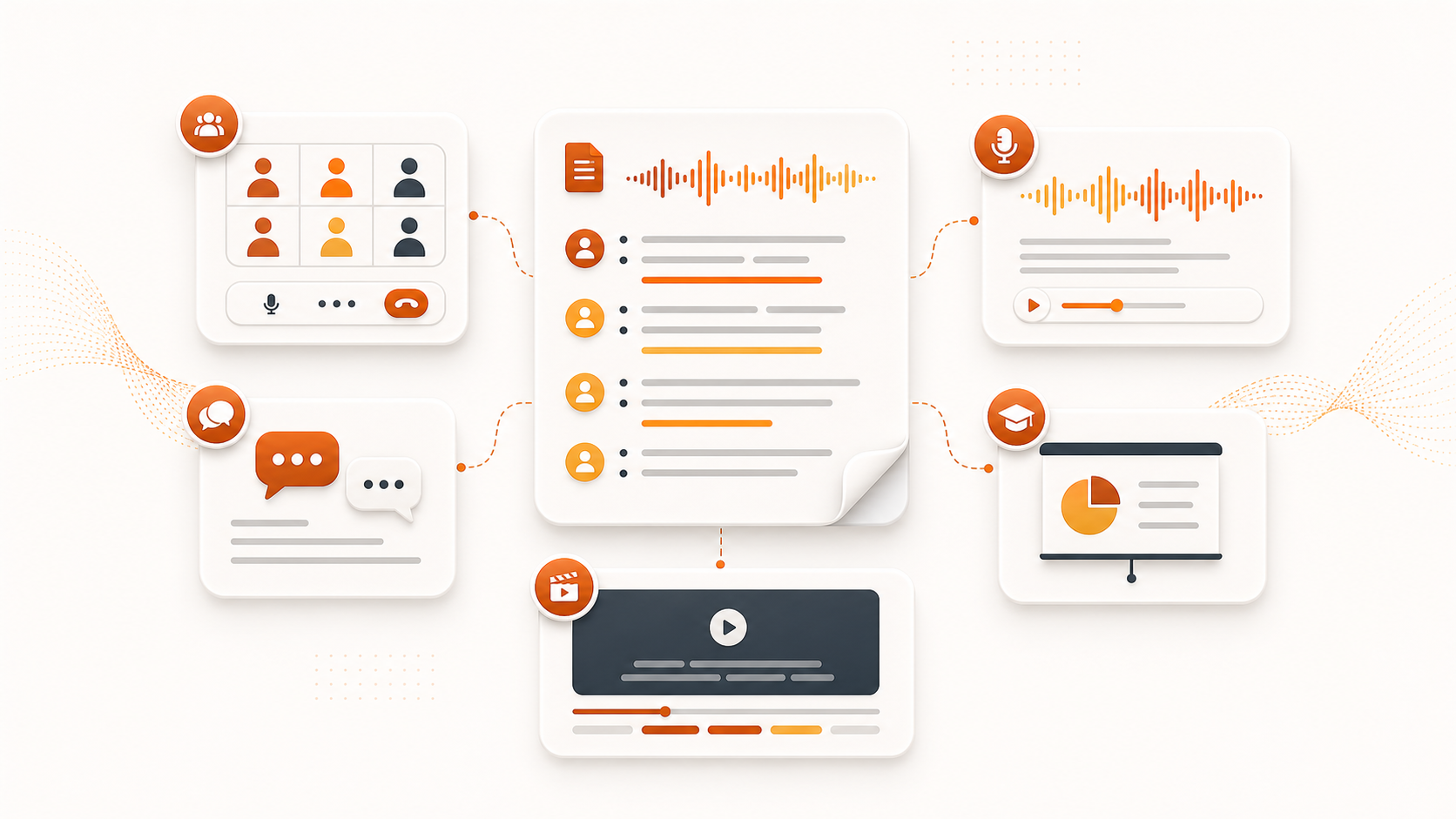
Keep speaker context for an interview, timestamps for a quote check, subtitle timing for video, or clean paragraphs when the transcript will become notes or a draft.
Start and review the job online. When the wording is ready, save it as TXT, SRT, VTT, JSON, PDF, or DOCX according to the selected plan and workflow.
These capabilities cover the stages between receiving a recording and handing off a reviewed transcript. Availability can depend on the plan you select.
Use common media such as MP3, WAV, M4A, or MP4 as the source. The speech track becomes the input for transcription on the same page.
Record a voice note or live session when no file exists yet, then submit that recording as the current transcription task.
Provide a media URL when the source is already online, avoiding a separate local download before the audio to text step.
Choose a source language or use detection, then enable speaker identification for conversations where knowing who spoke affects the review.
Locate key passages, replace misheard proper nouns, rename speakers, and shape the text for its intended reader before export.
Select a plain-text, subtitle, document, or JSON output so the transcript keeps the structure needed by the next part of your workflow.
Choose a recurring plan when transcription is part of your routine, or buy a one-time minute pack for occasional batches. Every option below shows its allowance, billing period, and included workflow tools.
An annual allowance for a steady, lighter transcription schedule.
Starter annual plan
The displayed monthly figure is an annual-price equivalent.
A larger yearly plan for recurring content work and transcript analysis.
Pro annual plan
The monthly price shown is the annual charge divided by twelve.
The highest annual minute pool for frequent transcription and AI-assisted review.
Max annual plan
Billing occurs yearly; the card displays its monthly equivalent.
Use these answers to choose an input, understand review limits, distinguish speech to text from text to speech, and plan the final export.
Audio Convert handles speech to text from source intake through review and export. It accepts uploaded media, a browser recording, or a supported URL and returns text that you can inspect before downloading.
Open any question to see the workflow guidance
Choose the source that matches your recording, create the speech to text draft, and review the result before selecting an export for your next task.