
File or public link to words
Video to Text for Searchable, Editable Drafts
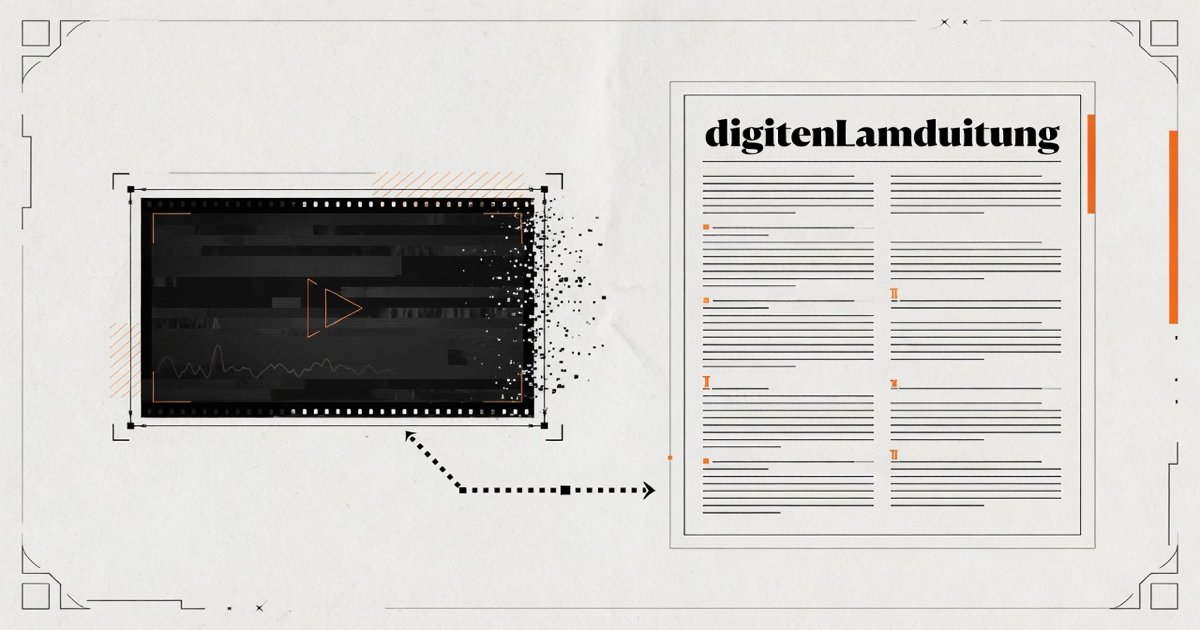
Video to text means taking the spoken track from a supported upload or public video page and turning it into words you can search, correct, and export. Audio Convert keeps the draft in a review workspace. Private, login-only, or region-blocked pages may not resolve from a pasted link, and important names still need a human pass.
- Upload a file or paste a public link
- Editable transcript before export
- TXT, document, and caption formats
Live workflow
Paste a public video link
Use a page that plays without a login. Private or restricted links should be downloaded and uploaded instead.
Starter minutes are granted after account verification. Public links do not open private, paid, or login-only videos.
How it works
Three steps from source to result
- 01
Add a video you are allowed to process
Upload a supported file, or paste a public page URL when the media is reachable without a login.
- 02
Set the spoken language
Choose the language when you know it, or use automatic detection for mixed or unfamiliar speech.
- 03
Review then export
Correct names, numbers, and speaker turns before downloading text or timed captions.
01 · Decision guide
What does video to text actually convert?
The converter works on the audible speech, not on every pixel. Stickers, burned-in titles, slides, and silent demonstrations stay visual evidence. If the job is to recover spoken words from an MP4, MOV, WebM, or a public page, this route is the right starting point.
Picture quality does not rescue a clipped microphone. Clear speech, limited overlap, and a known language usually give a cleaner first draft than a higher resolution file with music or echo around the dialogue.
- Use an upload for private exports you already control.
- Use a public link only when the page is reachable without credentials.
- Keep the source file or URL beside any quotation you reuse.
02 · Decision guide
When a local audio extract is the better first step
If you only need an MP3 from a MOV or MP4, run the browser-local extractor first. That path never uploads the video. Come back to video to text when the desired output is words, captions, or a searchable draft rather than an audio file.
03 · Decision guide
How to review a machine draft before you trust it
Start with meaning, then check proper nouns, figures, dates, and speaker changes. A fluent paragraph can still hide a wrong price or a swapped name. Replay the timestamp around every statement you will publish or send to someone else.
Limits to check before you start
A useful tool explains the boundary of the result as clearly as the benefit.
- 01Pasted links work only for media that is public and currently reachable.
- 02Each file is limited to 60 minutes and 1 GiB in the current product.
- 03Starter transcription minutes require a verified account.
- 04On-screen text is not read as a full optical character pass.
Practical fit
Workflows this page is designed for
Lecture and tutorial files
Turn a recorded class or walkthrough into notes you can search instead of scrubbing the timeline.
Interview exports
Convert a local video interview into an editable draft, then confirm quotations against playback.
Caption preparation
Create timed segments for a video you are authorized to subtitle, then adjust line length in your editor.
Commercial comparison
Audio Convert vs HappyScribe vs Canva
Choose Audio Convert when the job is turning speech into an editable draft you will review. Choose HappyScribe when you want a transcription vendor with human options, and Canva when captions live inside a design file.
Swipe to compare all 3 products →
| Decision | Audio Convert | HappyScribe | Canva |
|---|---|---|---|
| Primary job | Convert speech to a reviewed transcript and export | Transcription service with AI and optional human review | Design suite that can generate captions inside a video project |
| Public video links | Supported public pages resolve to a spoken-track draft | Upload-centered workflow with additional import options | Works on media already inside a Canva design |
| Choose when | You want a dedicated transcript workspace plus local MP3 extractors | You need a transcription vendor with human cleanup options | The transcript belongs inside a broader design or caption project |
Comparison statements reflect the linked public product pages accessed during research. Plans and capabilities can change.
Common questions
Answers before you continue
Can I convert a private video from a pasted link?
No. Paste only public pages. Download a private file with an authorized account and upload that file instead.
Which file types can I upload?
Common video and audio containers such as MP4, MOV, WebM, MP3, and WAV are accepted, subject to the current duration and size limits.
Does video to text identify speakers by name?
Optional speaker labels group similar voices. They are not an attendance list. Rename them during review when the recording makes the identity clear.
Is the first draft free?
A verified account receives five starter minutes. Longer work uses additional minutes from a plan or pack. The page does not describe unrestricted use.
Evidence
Sources
Research & verification · Last reviewed
Upload formats, public-link resolution, 60-minute and 1 GiB limits, starter minutes, review workspace, and document or caption exports were checked against the production intake on 2026-08-17.
Ready when you are