
Your file, your words
MP3 to Text
MP3 to text turns spoken words in a local MP3 file into an editable transcript. Choose a language or auto-detect it, request speaker labels, then listen against the draft and download the version you reviewed.
- Local MP3 file input
- Replay timed speech while editing
- TXT and DOCX from the saved revision
Audio Convert · MP3 workspace
Your MP3, a usable transcript
Listen to the reference
A two-voice MP3 you can check yourself
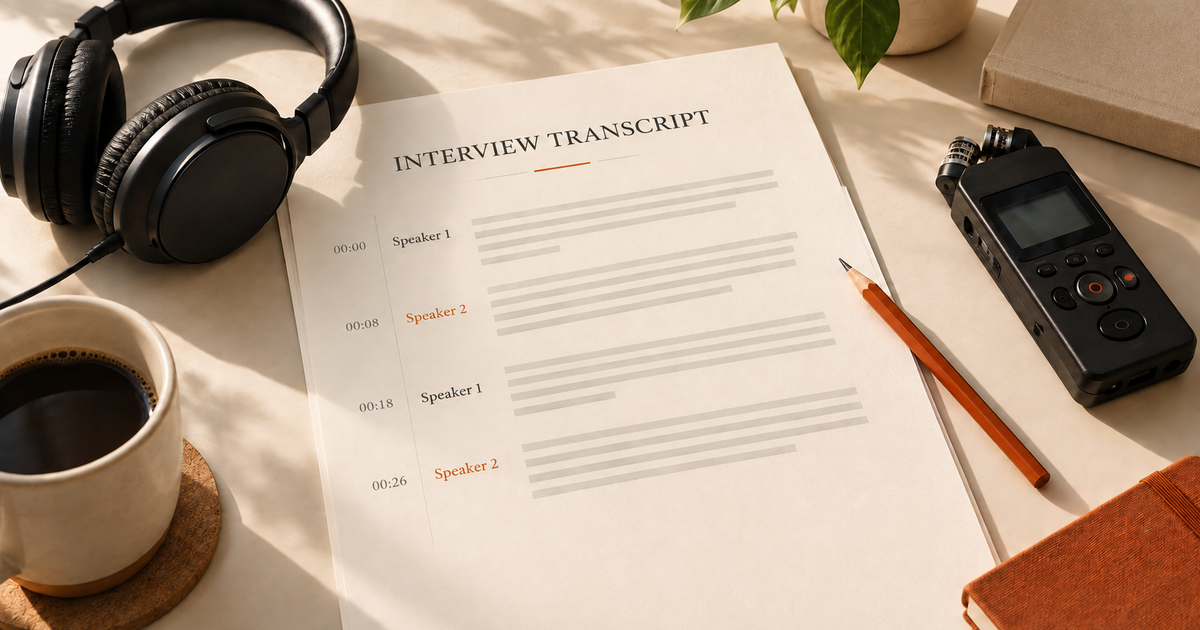
Listen to this 31-second, self-made MP3. The reference transcript below follows the source audio; names and dates are exactly the kind of details to verify before downloading your own result.
Speaker 1: Before we publish the interview, can we check the product name and the delivery date? I heard Tuesday, but my note says Thursday.
Speaker 2: It is Thursday, the fifteenth of October. The product is called Northstar Notes, with two words. Please keep that spelling in the final transcript.
Speaker 1: Thanks. I will mark that correction, replay the last sentence, and export a text copy for the editor.
Speaker 2: Great. Add a speaker label for each turn so the editor can follow who said what.
How it works
Three steps from source to result
- 01
Select the MP3
Choose a local .mp3. The page checks the file content and reads its duration before any paid task starts.
- 02
Set language and speakers
Leave language on auto-detect or select one you know. Speaker identification is optional; the balance and estimated minute cost are shown before submission.
- 03
Listen, edit, export
Use the private task player and timestamps to check the draft. Save changes, then download TXT or DOCX from that revision.
01 · Decision guide
MP3 to text workflow
This page accepts an MP3 already on your device. It keeps the upload, task status, playback, correction and download in one place. The same task appears in My recordings alongside work started in the full workspace.
A saved task can be reopened from its original entry. If a chosen file cannot survive a sign-in or pricing return, you will be asked to select it again rather than silently using another recording.
02 · Decision guide
Compressed audio and transcription quality
MP3 reduces audio data. Clear close-mic speech is easier to review than clipped sound, echo or overlapping voices; loss from the recording cannot be recovered by changing the filename or re-encoding it later.
Constant and variable bitrate MP3s both use MPEG audio frames. This tool checks the file's frames and browser-readable duration, so a zero-byte file or a renamed non-MP3 does not start a transcription task.
- Play a short section before uploading, especially when the MP3 came from another app.
- Check names, numbers and overlapping speaker turns against the source audio.
- Music or silence may yield no spoken text; the result area says so plainly.
03 · Decision guide
Review before exporting
Tap a timestamp to replay a turn, then correct the editable transcript. The TXT and DOCX buttons use the saved revision, so an old draft is never the file you download after editing.
If a task fails, its record remains available. Retry deliberately after checking the source file; completed earlier recordings stay in My recordings.
Limits to check before you start
A useful tool explains the boundary of the result as clearly as the benefit.
- 01Local .mp3 files only; no website, platform or video link import.
- 02Each file must be at most 1 GiB and 60 minutes. The task uses the actual file duration to calculate minute credits; your current account balance is checked by the server.
- 03An account is required to process and save results. Transcription runs in the cloud; see the privacy policy before using sensitive audio.
- 04Speaker labels and timestamps depend on the speech returned. Overlap, noise, silence and music can make the draft incomplete or empty.
Practical fit
Workflows this page is designed for
Interview correction
Replay a date or proper name before sending a written quote to an editor.
Voice note archive
Make a spoken note searchable, then revise the few words that matter.
Podcast excerpt
Use speaker turns and timed playback to prepare a short text extract.
Commercial comparison
Audio Convert vs manual typing vs desktop transcription
Choose Audio Convert when you want to move from an existing MP3 to an editable draft in one browser page. Manual typing gives direct control but takes your time. A desktop tool may suit an offline policy, but check its actual features and cost before choosing it.
Swipe to compare all 3 products →
| Decision | Audio Convert | Manual typing | Desktop transcription |
|---|---|---|---|
| Starting point | Local MP3 in a browser | Local MP3 and a text editor | Local MP3 in installed software |
| First draft | Cloud-generated speech draft with replay | You type every spoken word | Depends on the desktop tool you choose |
| Review and output | Edit here, then download saved TXT or DOCX | Your own editing and file format | Features and export formats vary by product |
| Choose when | You want an immediate editable draft from this MP3 | Full manual control matters more than speed | Your workflow requires an installed or offline tool |
Common questions
Answers before you continue
Does renaming a WAV or other file to .mp3 work?
No. The page checks for MP3 audio frames and a playable duration, not just the extension. Choose the original MP3 instead.
Will a variable bitrate MP3 work?
Yes, ordinary VBR and CBR MP3 frames are accepted when the browser can read the duration. A damaged file may still need re-exporting from its source.
What if my MP3 is music or has no speech?
A completed task can return no spoken text. The result area explains this; listen to the file before trying another recording.
Can I download my corrected text in both formats?
Yes. Save a revision and the TXT and DOCX buttons download that saved text. The original audio and timed segments stay available for checking.
How are minutes charged?
A file up to 30 seconds costs 0.5 minute credits. Longer files use rounded-up whole minutes, up to the 60-minute limit. The server checks your current balance before processing.
Evidence
Sources
Research & verification · Last reviewed
The 31-second recording and reference text were created for this page. File limits, task history, revision and export behavior were checked against the product implementation.
Ready when you are