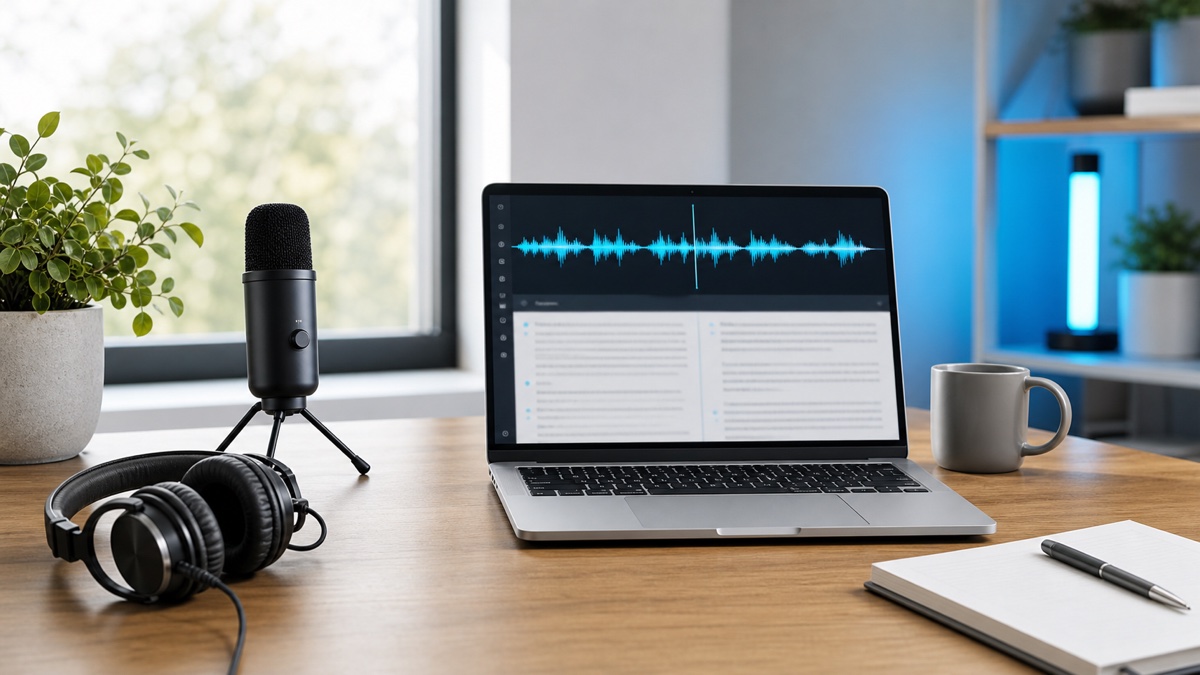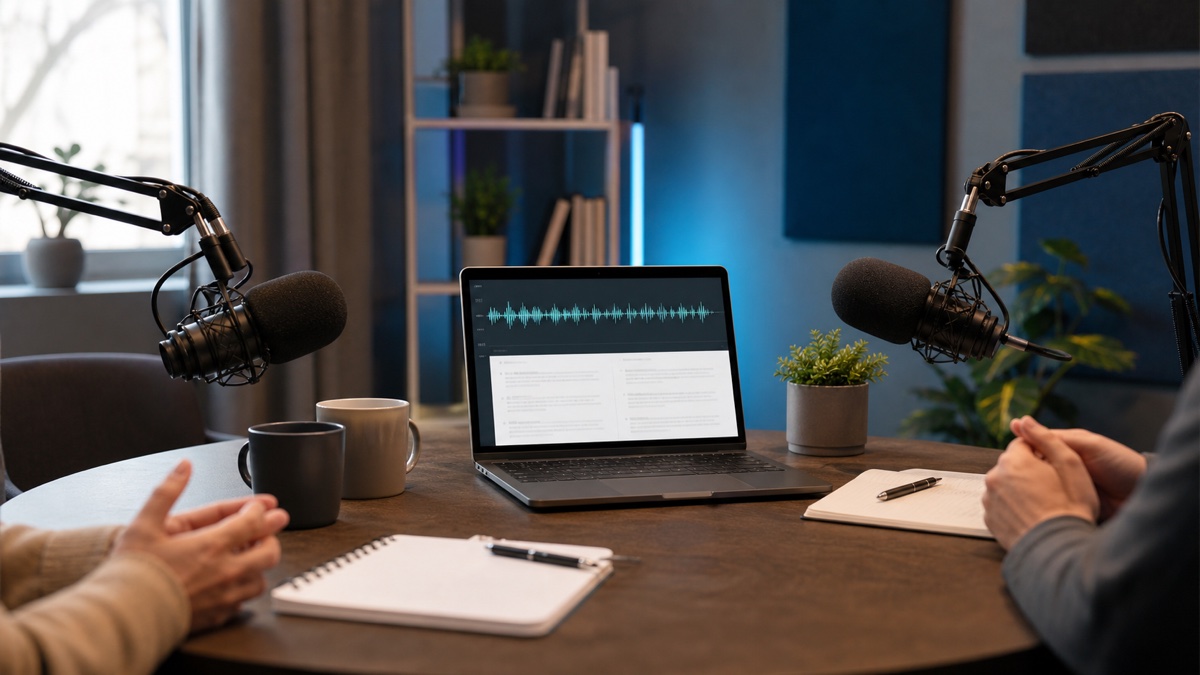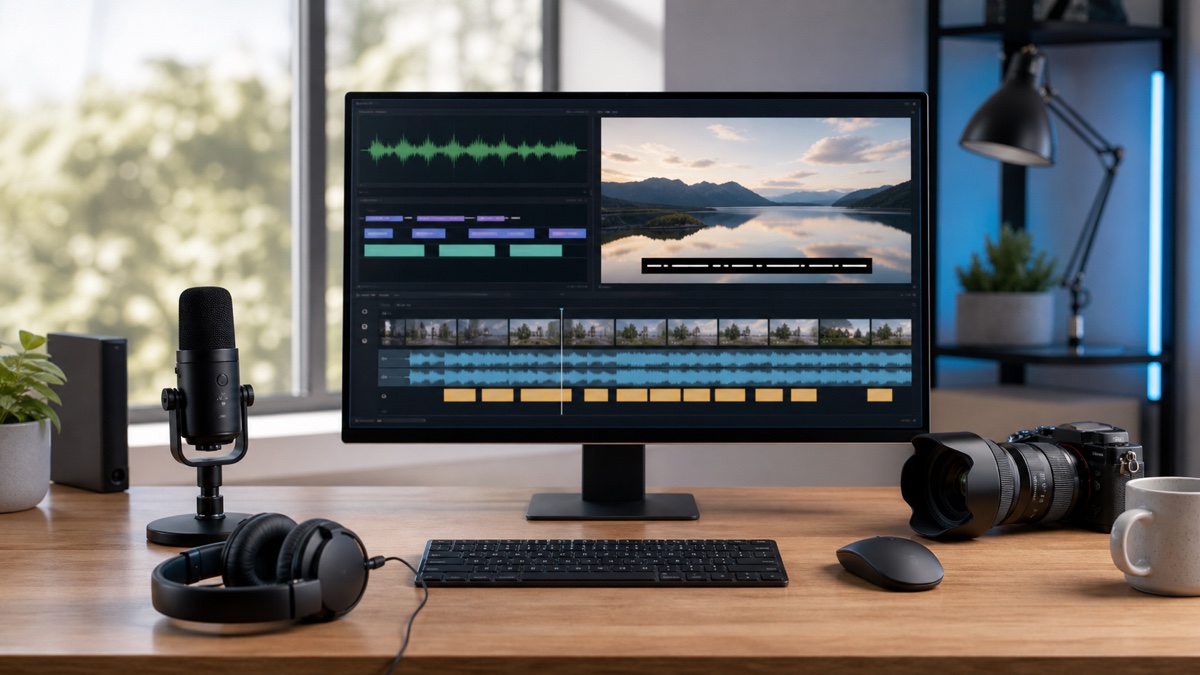
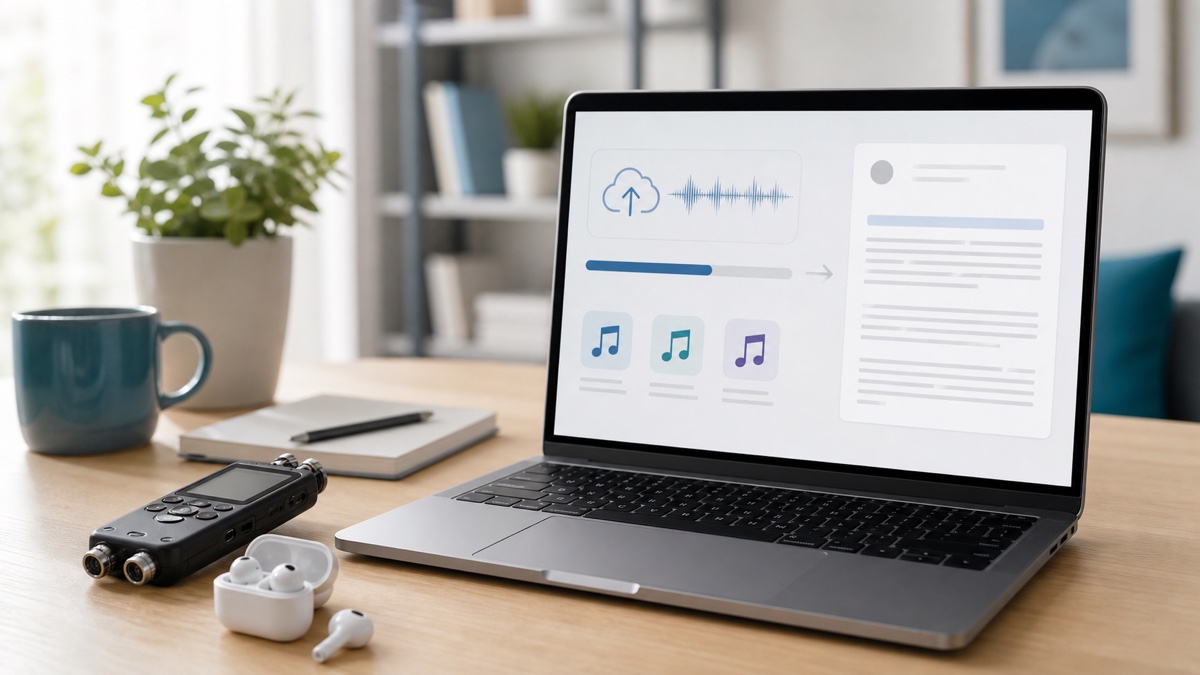
To transcribe audio to text online, begin with the output you need rather than the upload button. Meeting notes require decisions and owners. An interview needs quotation accuracy and speaker context. Captions need timing. A searchable archive may need the complete spoken record. That destination tells you what to preserve during every earlier step.
Audio Convert provides file upload, browser recording, and supported media URL intake. Its speech to text workflow creates the transcript draft and gives you tools to review and export it. The steps below focus on the choices that determine whether the result is useful after download.
Decide what the transcript must become
Name the final deliverable before processing the recording. This prevents unnecessary cleanup and protects information that would be difficult to restore later.
For example:
- meeting notes prioritize confirmed decisions, owners, deadlines, and open questions;
- interview research preserves speaker turns, surrounding context, and verifiable quotations;
- an article draft needs complete ideas but not every filler word;
- subtitles require timing, short readable cues, and a supported subtitle format;
- a record or archive benefits from timestamps and a link back to the source media.
If two outputs are required, keep the richer transcript first. You can remove timestamps or speaker labels from a reading copy, but adding reliable structure back after it has been discarded is harder.
Prepare the best available source
Use the original recording when possible. Copies sent through messaging or conferencing tools may have additional compression. Listen to a short section before upload and check whether the main voices are audible, whether music competes with speech, and whether participants frequently talk over one another.
Do not claim more certainty than the recording contains. A distant name or a number spoken during crosstalk may remain ambiguous regardless of the transcription system. Make a note of expected names, abbreviations, products, and domain-specific terms so they can become a review checklist.
For a long file, a short representative sample can test language and speaker choices. Select a segment with the same noise, participants, and vocabulary as the rest of the recording instead of testing only a clean introduction.
Select the matching Audio Convert input
Open the Audio Convert speech to text workspace. Choose file upload for existing audio or video, browser recording when the source has not yet been captured, or media URL intake for a supported source that is already online.
Wait until the source is ready before changing pages. Confirm that the intended file was selected, especially when filenames are similar or multiple edits exist. For MP3 to text work, the same review principles apply as for other audio formats: source quality and delivery needs matter more than the extension alone.
Set language and speaker context
Select the language when you know it. Detection is useful when the language is genuinely uncertain, but an explicit choice gives the transcription task additional context. Mixed-language recordings, code-switching, accents, and specialized vocabulary still deserve manual attention afterward.
Enable speaker identification when knowing who said what changes the result. This often applies to interviews, calls, panels, and meetings. A single-person narration may not need those labels. After transcription, rename generic speakers only when the recording gives you enough evidence.
Review the transcript in risk order
Do not polish the opening paragraphs while leaving consequential details unchecked. Begin with completeness: confirm that the returned transcript covers the media and that no large section is missing.
Then review the high-risk elements:
- people, organizations, products, and locations;
- numbers, dates, amounts, and deadlines;
- quotations intended for publication;
- speaker changes that affect meaning;
- technical or specialized terminology;
- passages with low volume, noise, or overlap.
Use the audio for verification. Automatic transcription is a draft, not an independent source. After factual checks, edit readability according to the deliverable. Internal notes may retain conversational phrasing, while published prose needs structure and captions need timing-aware line breaks.
Export for the next tool or reader
Choose the file format based on its consumer. Plain text is convenient for simple notes and search. A document format is useful for continued editing or review. SRT or VTT preserves timed text for video. JSON can retain structure for a software workflow.
Keep a verification copy when the transcript supports important decisions. A readable version may be easiest to share, while a timestamped or structured version makes it easier to trace disputed wording back to the audio.
Questions about online audio to text
Can I transcribe an MP3 to text online?
Yes. Add the MP3 in the speech to text workspace, set the relevant language and speaker options, review the returned words, and choose the export required by the next task.
Should I always choose a language manually?
Choose it when the main language is known. Use detection when it is not, then give multilingual or very short recordings extra review because they provide less context.
What should remain after cleanup?
Retain the information the deliverable needs: verified wording, useful speaker context, and timing where navigation or captions matter. Keep an unedited reference copy for consequential work.