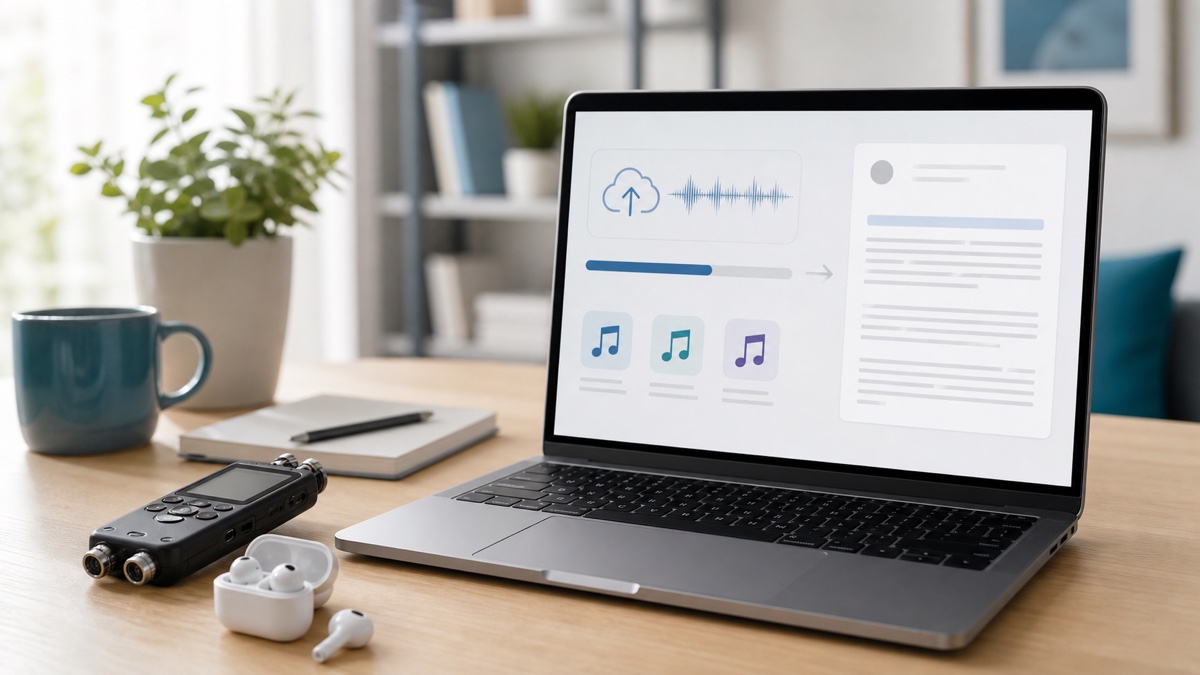
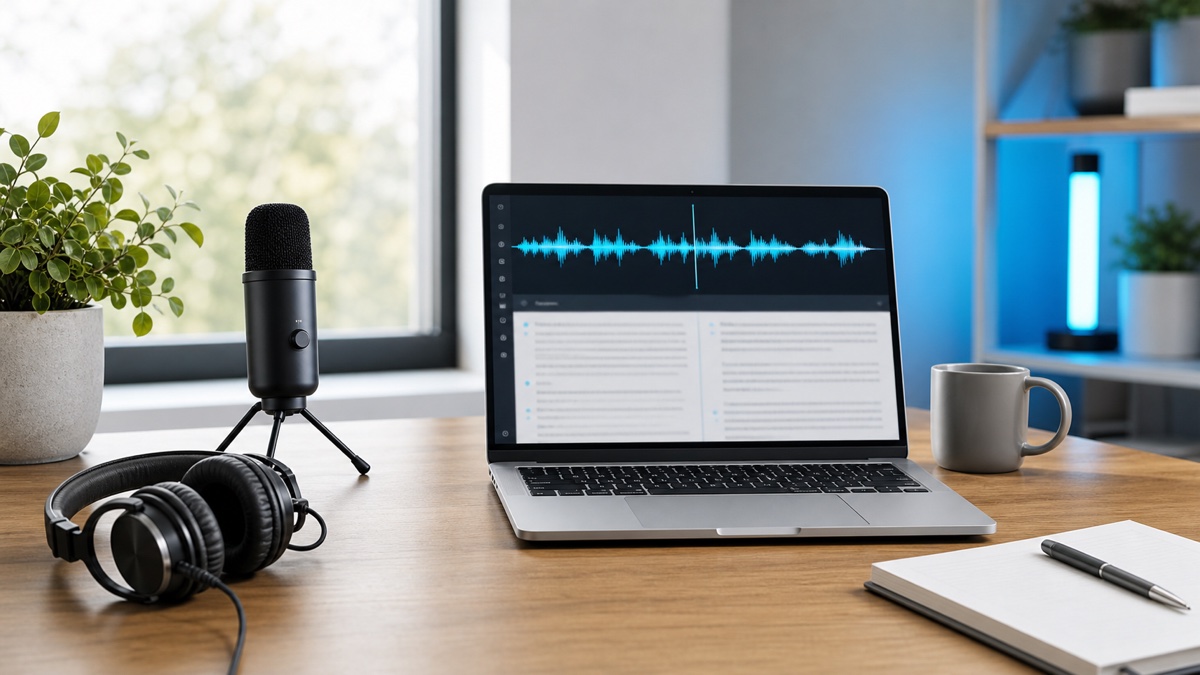
Audio Convert is a browser workflow for moving spoken media into reviewed text. It accepts an existing audio or video file, speech recorded in the browser, or a supported media URL. OpenAI Whisper supplies the transcription draft; Audio Convert adds language and speaker choices, transcript review, and several ways to export the result.
This guide treats speech to text as a sequence of decisions. The aim is not to produce the largest possible block of text. It is to preserve the words and structure needed by the person, publication, or system that will use the transcript next.
Start with a defined output
Write down the job the transcript must perform. If you need meeting follow-up, the critical elements are decisions, owners, and dates. For an interview, quotations and their context matter. Video captions need synchronized cues. Searchable archives benefit from the complete spoken record and timestamps.
This choice affects the whole process:
- the source version you should transcribe;
- whether language and speaker settings need manual input;
- which details receive direct audio verification;
- how much conversational phrasing should remain;
- which export format retains the necessary evidence.
A single recording can produce several assets, but keep one reviewed source transcript before creating shorter or more polished derivatives.
Select the media source in Audio Convert
Go to the Audio Convert speech to text workspace. Use file upload for media already stored on your device, browser recording for a source you are about to capture, or URL intake when the supported media already exists online.
For edited publications, transcribe the final media cut. Changes after transcription can invalidate timestamps and subtitle cues. For a meeting or research interview, use the clearest original recording and retain it under the handling rules that apply to the content.
The input method does not fix a poor signal. Listen to a representative section for room echo, music, cross-talk, and distant voices. If a long source is risky, process a short segment with the same conditions before committing to a full review.
Configure language and conversation structure
Choose the expected language when it is known. Automatic detection is suitable when the language is uncertain, but a short or multilingual source still needs careful checking. Specialized vocabulary and names deserve a separate list regardless of language choice.
Enable speaker identification when participants need to be distinguished. This is useful for interviews, meetings, panels, and calls. Rename a generic label only after the audio provides enough context to support the identity. Treat labels as an editing aid rather than definitive attribution.
OpenAI's documentation offers more context on the broader speech to text model category. Within Audio Convert, these model outputs become the starting point for a user-controlled review.
Verify the transcript before stylistic editing
Check the returned text in a deliberate order. First, confirm that it covers the recording. Next, compare high-impact details with the audio: people, organizations, terminology, quantities, dates, deadlines, and quotations.
Review uncertain conditions specifically. Mark passages where speakers overlap, a voice drops in volume, background sound competes with speech, or the language changes. When the recording does not provide a clear answer, do not invent one; retain an uncertainty marker or seek a better source.
After factual review, shape the transcript for its audience. Remove repeated starts from an article draft, keep participant turns in research material, extract decisions into meeting notes, or shorten cues for captions. Preserve an unedited reference copy when later verification may be required.
Choose an export that retains the right evidence
Each format answers a different downstream need:
| Output need | Practical format choice | Information to retain | | --- | --- | --- | | Simple notes or search | TXT | Clean readable wording | | Continued document editing | DOCX | Paragraph and review structure | | Video captions | SRT or VTT | Cue order and timing | | Software processing | JSON | Transcript segments and structured fields |
PDF can provide a fixed reading copy when that option is available. The pricing page identifies the export and workflow capabilities attached to each plan.
If the transcript will support an important decision, keep a version with timestamps even when the shared copy is a clean document. Traceability is more useful than visual polish when a quotation or figure is questioned later.
Match the workflow to common use cases
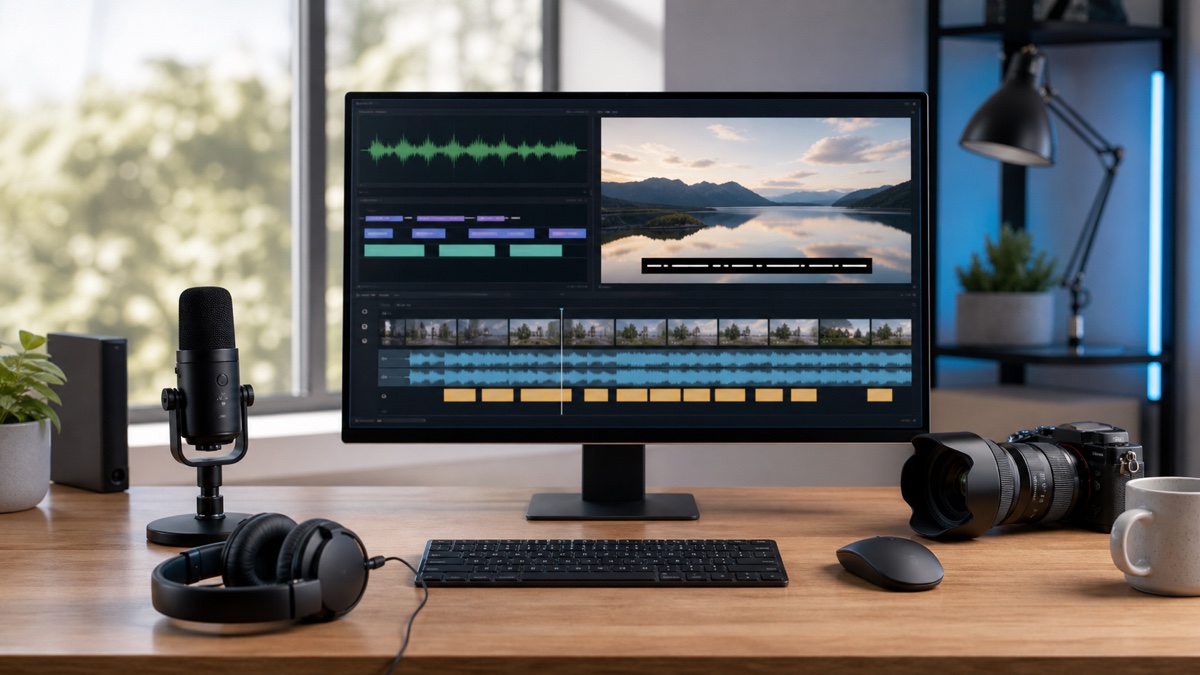
For audio to text from a voice note, a plain readable output may be sufficient. For video to text, decide whether the words will become captions, an edit script, documentation, or an article. Each outcome requires a different review.
Meeting transcription should separate the complete conversation from the action record. Interview transcription should protect speaker identity and quotation context. Podcast workflows usually benefit from both a readable transcript and a timed version for clips or captions.
Legal, medical, financial, safety-related, and customer-sensitive transcripts require qualified human review and the applicable data-handling process. AI transcription can accelerate inspection but cannot assume professional responsibility for those decisions.
Questions about the Audio Convert workflow
Is Audio Convert itself the speech to text model?
Audio Convert is the product workflow around transcription. It uses OpenAI Whisper for recognition and provides source intake, settings, review, speaker context, and output choices around the returned draft.
Can the same workflow handle video to text?
Yes. Add a video file or supported online source, transcribe its spoken track, and review the result according to whether it will become captions, documentation, or another written asset.
What is the safest first test?
Use a short, non-sensitive segment that represents the real recording conditions. Confirm language, speaker handling, transcript quality, and export structure before processing a large batch.